News and articles
Blog
Drop news, retailer notes and botting articles from the NikeShoeBot team.
1,854 posts · page 2 of 186
-
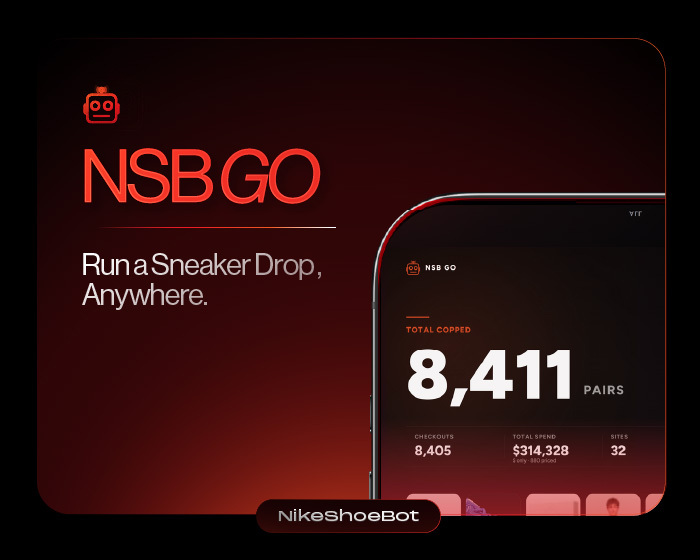
What It’s Like to Run a Sneaker Drop With NSB Go
NSB Go is the mobile companion to NikeShoeBot, and it lets you monitor and manage the bot from an iPhone or Android phone during…
-

Amazon October prime Day Deals 2026
October Prime Day, officially called Prime Big Deal Days, runs October 6 to 7, 2026, starting at 12:01 a.m. PDT, according to Amazon's announcement.…
-
Sneaker Servers Guide: Cloud VPS vs Local PC Setup
Review how sneaker servers on AWS EC2, Google Cloud, and Hetzner cut latency, and compare $0.0418 to $0.1670 hourly T3 rates against local PC…
-
Amazon Blocked Meta’s Muse, But Here’s What Still Works
Amazon began blocking Meta's Muse AI shopping agent on September 21, 2026, halting automated purchases 13 days after launch. The retailer cut off access…
-
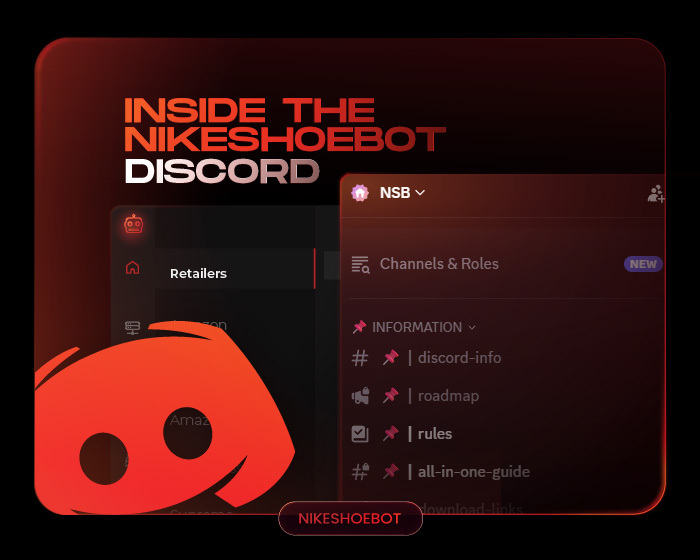
Inside the NikeShoeBot Discord: What’s There and How to Get the Most Out of It
The NikeShoeBot Discord server is the main community hub for NikeShoeBot users, bringing together setup information, downloads, release guides, monitors, updates, community discussions, and…
-

Here Are the Top 5 Proxy Providers for a Smooth Bot Run
The holy trinity of sneaker botting is a sneaker bot, sneaker proxies, and the right accounts! And to have the best proxies out there,…
-
Supreme Nike Shoes Ranking: Best Collabs Since 2002
Compare the best Supreme Nike shoes from the 2002 Cement SB Dunk Low and 2006 Blazer to the 2015 Jordan 5, 2023 Rammellzee Dunk,…
-
Sneaker Botting Proxies: Why You Need Them to Cop
Running a sneaker bot without a dedicated proxy pool is a guaranteed way to get your home internet temporarily banned from major retail sites…
-
Kylian Mbappé Just Left Nike for On: Everything You Need to Know
Football's biggest sneaker story of the decade just dropped, and it's a genuine bombshell to the fans. Kylian Mbappé, one of the most recognizable…
-
Women Basketball Shoes Are Stepping It Up in the WNBA!
Sneaker culture has a new center of gravity, and it's wearing a WNBA jersey. Signature sneakers that used to be rare for female hoopers…