Here is a complete guide on how to generate accounts and submit the Riot Games raffle using NSB:
Account Generation
Step 1 – Create a new account group
- Go to the Accounts tab and create a new group.
- Import your accounts in this
email:password
Step 2 – Generate accounts
- Go to the Tasks tab.
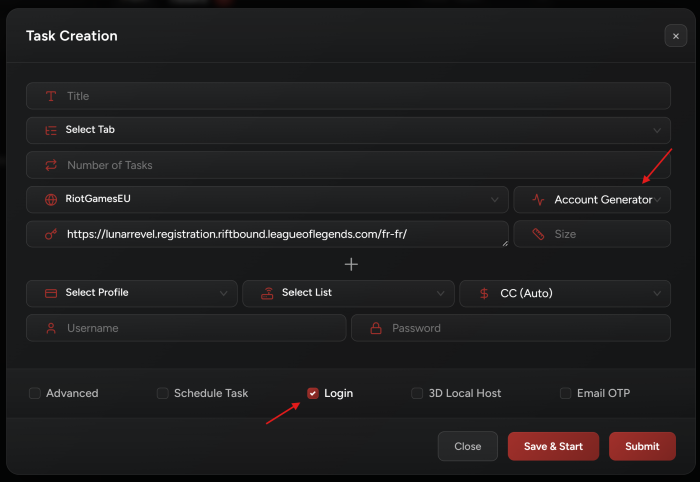
- Create tasks using
Account Generatormode. - Select your Create Account group.
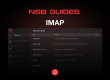
- Enter your IMAP email and password for verification in the IMAP tab.
- Set your tasks count.
- Make sure your setup matches the configuration shown in the image above.
- Start your tasks.
Using Created Accounts
Follow the same steps as above, with one important change:
- Do NOT enter an email.
- Use the usernames of the accounts you generated.
Raffle Submission
- Go to the Tasks tab.
- Create tasks using
Rafflemode. - Enable the
Loginoption. - Select your generated account group.
- Use this as task input:
https://playriftbound.com/{__country__language}/preorder/registration/For example for Germany it would be:
https://playriftbound.com/de-de/preorder/registration/ - Start your tasks.