DROP DAY PREPARATION
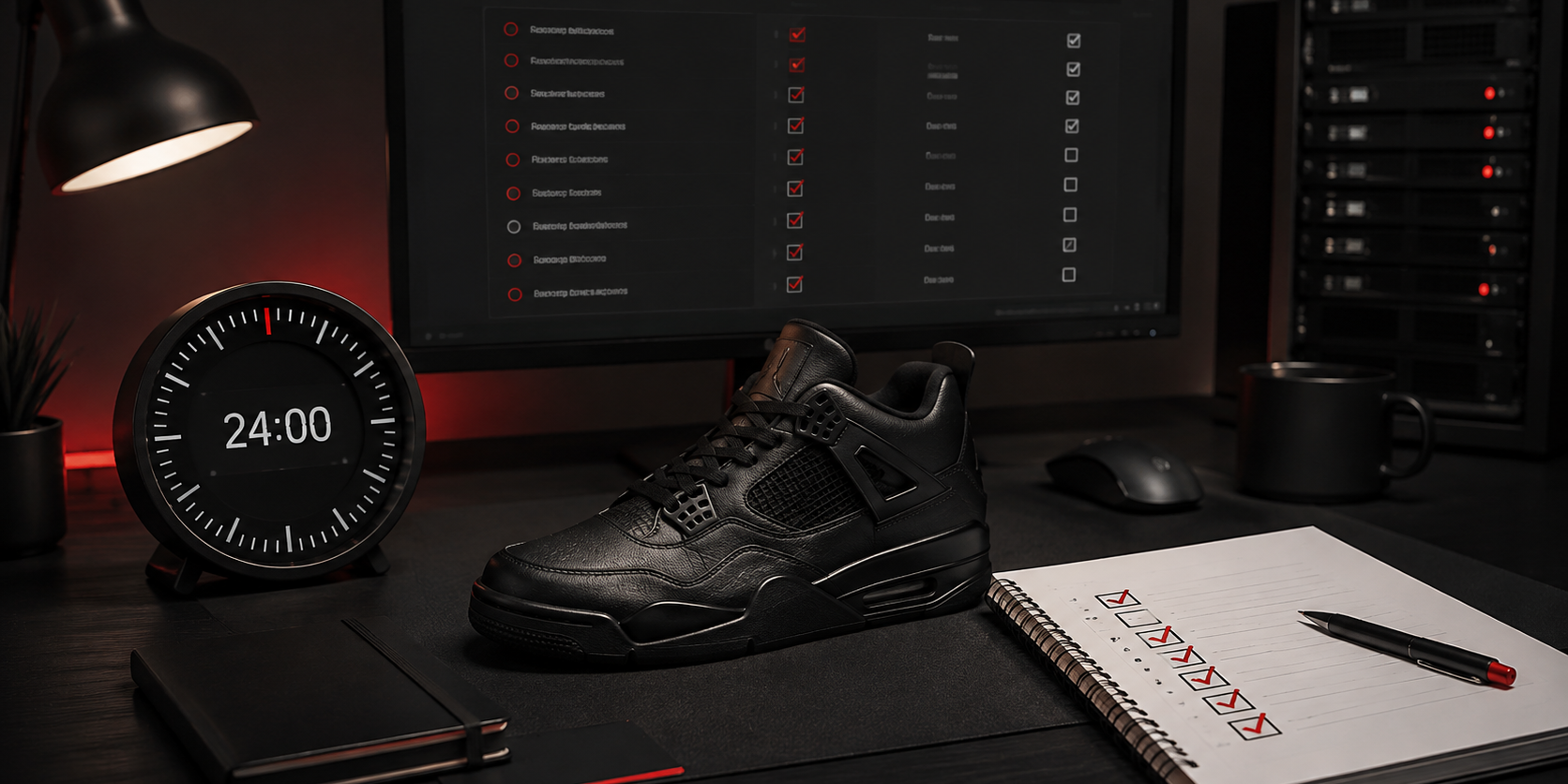
The final 24 hours before a sneaker release should be used to verify your setup, not rebuild it. A clear sequence helps you catch incorrect release details, expired logins, payment issues and failed tasks before they become drop-day problems.
This sneaker drop checklist covers the preparation that can be applied across releases while leaving retailer-specific settings to the current module guide. No checklist can guarantee a checkout: stock, demand, retailer systems, account status, payment approval and network conditions still determine the outcome.
Quick Sneaker Drop Checklist
| Time | Main objective | What to confirm |
|---|---|---|
| 24 hours before | Confirm the release | Official time, time zone, region, launch method, product and purchase limit |
| 12 hours before | Stabilize the system | Bot version, device, internet connection, clock and power settings |
| 6 hours before | Verify checkout data | Accounts, email access, billing profiles, payment method and budget |
| 2 hours before | Review tasks | Module, product input, sizes, profiles, accounts, proxies and limits |
| Final hour | Follow the current guide | Module announcements, authentication, task timing and release changes |
| During the drop | Monitor calmly | Task statuses, login prompts, payment authentication and order emails |
| After the drop | Verify and document | Retailer order status, duplicate orders, stopped tasks, logs and actual costs |
Why Start Preparing 24 Hours Before a Sneaker Drop?
Starting one day early creates time to solve ordinary problems without making rushed changes. An account may require verification, a card may have been replaced, a release time may have moved or the bot may have received an update. Discovering any of these issues minutes before launch leaves little room to respond safely.
The purpose of the timeline is not to keep the bot running for 24 hours. It is to separate preparation into short checks, then leave a verified configuration alone unless the retailer or module team publishes a relevant change.
24 Hours Before: Confirm the Release Details
Begin with the retailer’s official product page, release calendar or announcement. Secondary calendars and social posts can help you discover a release, but the retailer should be the final reference for availability and launch details.
Record the Essential Information
- Release date and local time
- Time zone used by the retailer
- Eligible country or shipping region
- Launch method, such as first come, queue, raffle or draw
- Correct product URL, SKU, style code or keywords required by the module
- Available sizes and your acceptable size range
- Retail price, shipping, tax and maximum total cost
- Retailer purchase limits and account requirements
Convert the release time into the time zone of the computer or VPS that will run the tasks. Check both the operating-system clock and the retailer’s stated time zone, especially near daylight-saving changes. A task schedule based on the wrong time zone can make an otherwise correct setup irrelevant.
Decide What a Successful Purchase Means
Set a maximum quantity and total spending limit before the release. If the purchase is intended for resale, use recent completed sales rather than asking prices, and include marketplace fees, shipping, taxes and return risk. The sneaker bot ROI guide explains how to calculate a realistic break-even point.
Do not force a release into your plan simply because it is popular. A clear no-buy threshold is part of preparation and can prevent a technically successful checkout from becoming a poor financial decision.
12 Hours Before: Stabilize Your Computer or VPS
Open NSB early enough to see whether an update is available and review any relevant announcement. After updating, confirm that the application launches normally and that your saved data appears as expected. Avoid changing the operating system, remote-server provider or network setup close to the release unless an existing problem makes the change necessary.
Run a Basic System Check
- Restart the computer or VPS if it has been running for an unusually long time
- Confirm that the system date, time zone and clock synchronization are correct
- Check that the device has enough free storage and is not installing updates
- Disable automatic sleep for the release window while keeping sensible security settings
- Verify that remote access to the VPS works from a second device if you depend on it
- Close unnecessary resource-heavy applications before the final preparation period
A home computer and a VPS can both be appropriate, depending on connection stability, task load and how reliably you can access the system. If you are still deciding between them, use the home PC versus VPS guide before release day rather than migrating during the final hours.
Testing does not need to include a real purchase. Confirm that the bot opens, modules load and configuration fields are available, but avoid sending checkout attempts to a live product simply to see whether the setup works.
6 Hours Before: Verify Accounts, Billing and Payment
Checkout information should be reviewed while there is still time to resolve verification or payment problems. Use accurate information that you are authorized to use, follow the retailer’s terms and stay within stated purchase limits.
Check Retailer Accounts
- Sign in through the retailer directly and confirm that the password still works
- Complete any legitimate email or phone verification requested by the retailer
- Confirm that the delivery address and contact details are current
- Make sure you can access the email inbox connected to the account
- Review saved payment details without placing an unnecessary test order
If the module requires accounts, match each task to the correct account according to its current instructions. The NSB Accounts guide explains how account groups are organized inside the bot.
Review Billing Profiles and Card Readiness
Open every billing profile that will be used and check the name, email, phone number, address, postal code, country and card expiration date. A one-character error can cause a payment or delivery validation failure. The Billing Profiles guide covers how profiles are created and managed in NSB.
Confirm that the card has sufficient available funds for the intended quantity, tax, shipping and any temporary authorization holds. Keep access to the bank’s authentication method nearby. Payment approval remains the issuer’s decision, so a valid profile cannot guarantee approval.
2 Hours Before: Test Proxies and Review Every Task
Only use proxies when the selected module and current guide call for them. Proxy needs vary by retailer and release method, and adding an unnecessary network layer can introduce another point of failure.
Clean the Proxy Group
- Test the group against the relevant destination when that option is supported
- Remove failed, expired or authentication-error entries
- Check the provider dashboard for traffic limits and expiration dates
- Keep the required username, password or IP authorization current
- Use the module’s recommended assignment method instead of guessing
A low test latency can be useful, but it does not prove that a proxy will remain stable or be accepted during a release. Review the NSB Proxies guide for the current import and testing workflow.
Audit Tasks Field by Field
Open the task group and inspect the configuration as if it belonged to someone else. Familiarity makes small errors easy to overlook, so use a fixed order rather than scanning randomly.
- Store and module: Confirm that the task type matches the retailer and launch method.
- Region: Match the store region to the account, shipping destination and release.
- Product input: Recheck the URL, SKU, style code, keywords or monitor input required by the guide.
- Sizes: Select only sizes you are genuinely prepared to purchase.
- Accounts: Assign the correct account group when the module requires one.
- Billing: Verify the intended profile and payment method.
- Proxies: Select the tested group only when appropriate.
- Quantity and price controls: Apply the limits supported by the module and stay within retailer rules.
- Schedule and delays: Follow the current module instructions rather than copying old settings from another release.
The NSB Tasks guide explains the general task interface. Retailer-specific guides should be used for fields and timing that change by module.
The Final Hour: Stop Rebuilding and Follow the Current Guide
Use the final hour for confirmation, not experimentation. Recheck official release information and relevant support announcements in case the product input, release time or module instructions changed. If there is no new information, keep the verified setup stable.
60 to 30 Minutes Before
- Confirm that NSB is open, responsive and signed in
- Verify the computer or VPS clock one final time
- Connect the device to reliable power and prevent sleep during the release
- Keep the retailer email inbox and payment-authentication device available
- Prepare captcha services or solvers only if the module guide requires them
- Check that task groups and monitors are visible and correctly labeled
If a release requires captcha handling, use the Captchas guide. If the workflow depends on email codes, consult the IMAP setup guide well before the drop rather than adding inbox access at the last minute.
30 to 15 Minutes Before
Make a final comparison between the release details and the task group, then stop editing unless you find a specific error. Confirm that your maximum spend and desired sizes are still correct. Close unneeded applications, but keep any communication channel used for official module updates accessible.
When Should You Start Sneaker Bot Tasks?
There is no responsible universal start time. Some retailers use waiting rooms, some release products directly, and others require monitors or scheduled actions. Starting too early can be as unhelpful as starting too late. Use the current guide for that retailer and any release-specific announcement from the bot team.
During the Drop: Monitor Statuses Without Panic Editing
Once the tasks are running, watch their status messages and respond to concrete prompts. Rapidly changing settings, duplicating tasks or restarting the application without understanding the status can create new problems and make the result harder to diagnose.
- Read the complete status before changing a task
- Complete legitimate account or payment authentication promptly
- Watch for an order number and confirmation from the retailer
- Respect purchase limits and stop unnecessary tasks after a confirmed order
- Note widespread errors before assuming that every individual task is misconfigured
- Avoid repeatedly restarting tasks that are correctly waiting in a queue
A task status is operational information, not final proof of a purchase. Retailer confirmation, an order number and the order history are stronger evidence. Even then, the retailer can review or cancel an order after checkout.
If the module uses in-bot monitoring or quick tasks, prepare those workflows in advance with the Monitors guide and Quick Tasks guide. Drop time is not the moment to learn an unfamiliar feature.
After the Drop: Verify Orders, Stop Tasks and Save Evidence
Do not close everything immediately after the release. First, determine what actually happened and preserve the information needed to review the setup.
- Verify the order with the retailer. Check the order number, account history, email confirmation, product, size, quantity, delivery address and charged amount.
- Check for duplicate orders. Review every account and payment notification before assuming that only one checkout completed.
- Stop unnecessary tasks. This protects your budget and avoids continued attempts after the intended result.
- Save useful logs and screenshots. Record important statuses before closing NSB, particularly if you need support to investigate an error.
- Record the real cost. Include retail price, tax, shipping, payment fees and the relevant share of operating costs.
- Write one lesson for the next release. Keep the note specific, such as an expired login or incorrect time zone, rather than changing the entire setup.
A failed checkout does not automatically prove that the setup was wrong, and a checkout does not prove that every setting was optimal. Compare task logs, retailer behavior and confirmed outcomes before drawing a conclusion.
Common Sneaker Release Preparation Mistakes
Using Unconfirmed Release Information
Calendars and community posts can become outdated. Confirm the time, region and launch method through the retailer before building the final tasks.
Making Major Changes on Drop Day
Moving from a home PC to a new VPS, changing all proxies or restructuring every profile creates too many unknowns at once. Make infrastructure decisions earlier and keep the final hours focused on verification.
Reusing Old Task Settings Without Checking Them
A previous task group may contain an old region, product input, account group, proxy group or billing profile. Templates save time only when every field is revalidated.
Treating More Tasks as a Substitute for Correct Tasks
A larger task count does not repair incorrect inputs, failed accounts, invalid billing or unsuitable infrastructure. It can increase resource use and spending risk, so use a task load your system and release plan can support.
Ignoring Payment Authentication
A bank may request confirmation even when the card details and balance are correct. Keep the authentication device available and make sure its contact details are current.
Assuming a Checkout Status Guarantees Shipment
The retailer remains the authority on order acceptance and fulfillment. Verify the order directly and avoid counting revenue or profit before the order is confirmed and delivered.
Final 24-Hour Checklist
- Release date, time zone, region and launch method confirmed
- Product input and desired sizes verified
- Maximum quantity and total budget decided
- NSB updated and opened successfully
- Computer or VPS clock, power and connection checked
- Retailer accounts signed in and accessible
- Email, phone and payment authentication available
- Billing profiles and card funds reviewed
- Required proxy group tested and cleaned
- Every task field compared with the current guide
- Retailer-specific start timing confirmed
- Orders, duplicate checkouts and logs reviewed after the drop
Frequently Asked Questions
How early should I prepare for a sneaker drop?
Begin the final verification about 24 hours before the release, but create accounts, choose infrastructure and learn the module earlier. The last day should be used to confirm a stable setup rather than build one from scratch.
When should I start my sneaker bot tasks?
There is no universal start time. The correct timing depends on the retailer, launch method and current module behavior. Follow the latest retailer-specific guide and release announcement.
Should I update my sneaker bot before a release?
Use the supported current version and review official update notes. Update early enough to confirm that the application opens and your setup is intact, rather than waiting until minutes before the drop.
Do I need proxies for every sneaker release?
No. Proxy requirements vary by retailer and module. Use them only when the current workflow calls for them, and test the relevant group before the release.
How many tasks should I run?
There is no useful number that applies to every setup. Task count depends on the module, retailer rules, accounts, system resources and budget. Correct, manageable tasks are more valuable than a large unverified group.
Can a 24-hour checklist guarantee a checkout?
No. Preparation reduces avoidable errors, but it cannot control stock, demand, retailer systems, queues, account reviews, payment approval or cancellations.
How do I confirm that a sneaker order was successful?
Check for an order number, retailer email and the order inside the retailer account. A bot status or card notification alone is not as reliable as confirmation from the retailer.
What should I save after an unsuccessful drop?
Save relevant task statuses, logs, screenshots, release details and any retailer error. Record one specific observation before changing the setup so the next adjustment is based on evidence.
Prepare the Process Before the Pressure Starts
A reliable drop-day routine is repeatable, easy to verify and adapted to the retailer being targeted. If this is your first release, begin with the Sneaker Bot Setup Checklist, then use this timeline for the final day.
Explore the complete NSB guide library for feature and module instructions, or review the Nike Shoe Bot product page for current product information.