IMAP stands for Internet Message Access Protocol. It is a standard email protocol used by email clients (like Outlook, Apple Mail, or Thunderbird) to retrieve messages from a mail server.
Do I Need IMAP?
IMAP is not required to run NSB, but it can make things a lot easier.
Some sites, like Nike or PopMart, send you a code (OTP) by email when you’re logging in or creating accounts. If you don’t set up IMAP, you’ll need to check your email and copy the code manually every time.
With IMAP added to NSB, this process becomes automatic. NSB can fetch the code from your email and insert it for you, saving time and effort, especially when dealing with multiple accounts.
How To Set Up IMAP?
For Gmail:
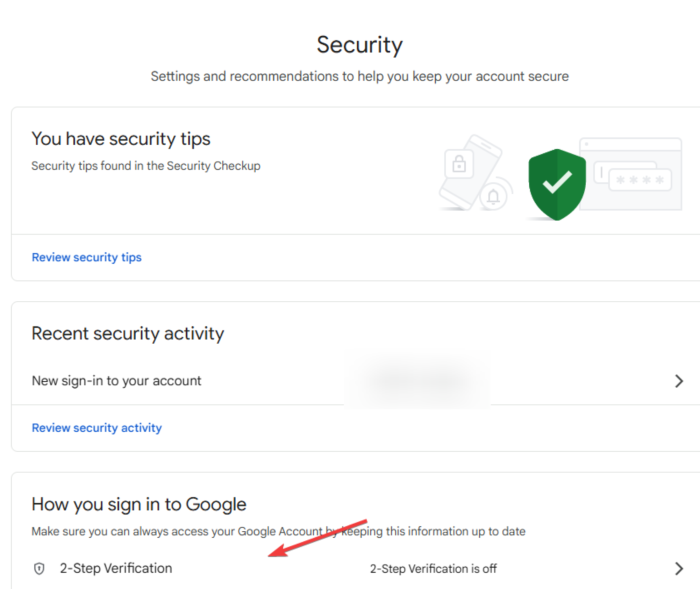
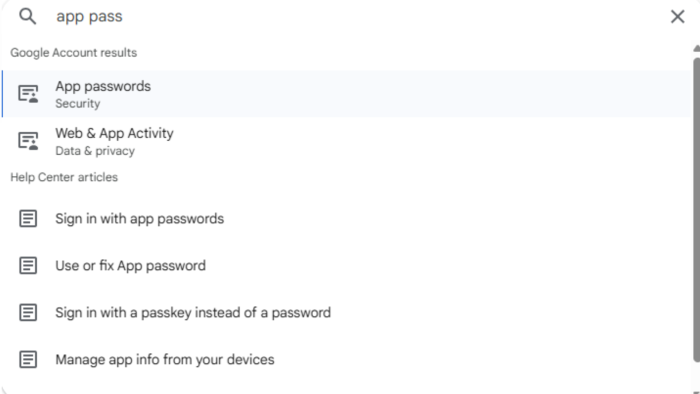
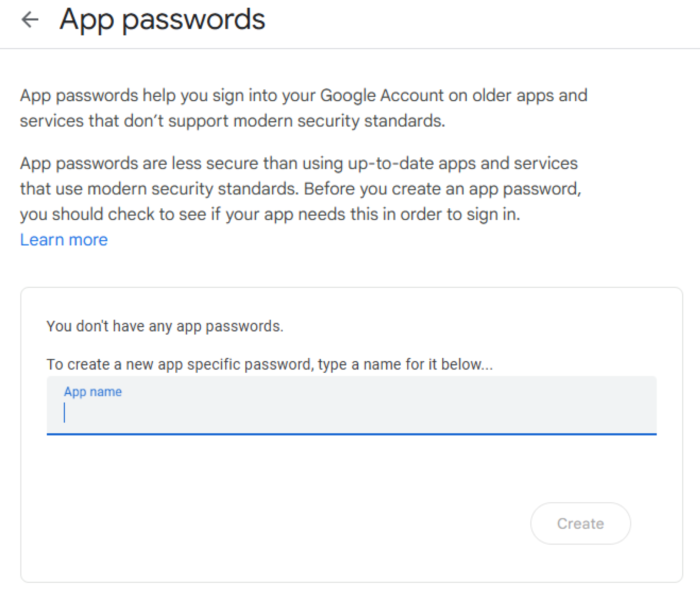
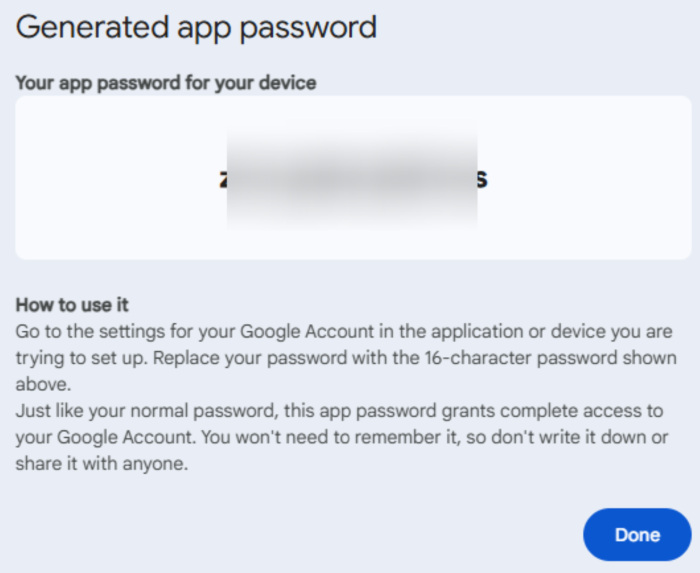
Step 1: Log into your Gmail account that will receive your emails.
If you would like us to add support for a different domain, feel free to reach out to us on discord.
How To Setup XYZ IMAP?
XYZ account providers will only give you XYZ IMAP username and password without giving you access to the actual XYZ email. We have full support for XYZ IMAPs, you just have to properly format them when entering into NSB. The only thing you need to do is to append @thexyzstore.com to your XYZ IMAP username.