Archive
March 2026
70 posts · page 5 of 7
-
Installation
NikeShoeBot installation is supported on all Windows, MAC M Chip, as well as MAC Intel Chip powered devices. 4 GB RAM 2 Core CPU…
-

Shortcuts
CTRL + T - Open create new tab module In the Tasks tab, you may use a variety of shortcuts to mass-edit your tasks…
-
FAQ
Find below some frequently asked questions about NikeShoeBot. You can create a ticket in our discord for more questions. 1. "Max Activations Exceeded" error,…
-
Copped
Move over your mouse to the Copped tab and click on it to open it. Here you will be able to see all the…
-
Calendar
Move your mouse over to the Calendar tab on the left-hand menu to open it. Here you can stay updated on all the upcoming…
-
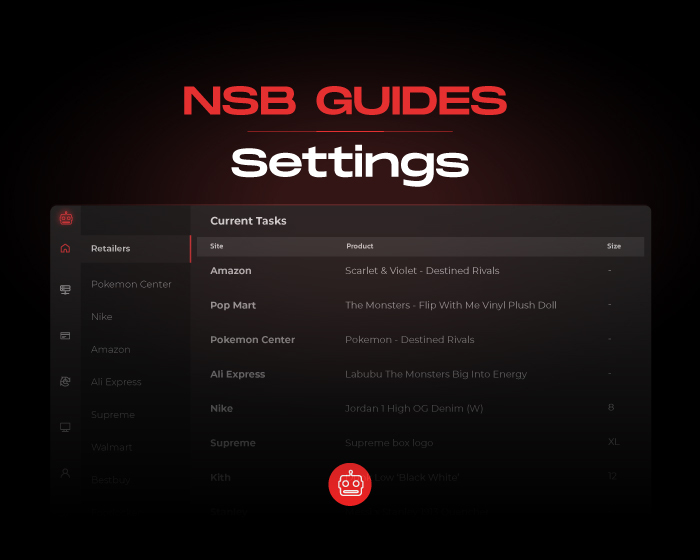
Settings
Move your mouse over to the Settings tab on the left-hand menu to open it. Here you will be able to check your current…
-
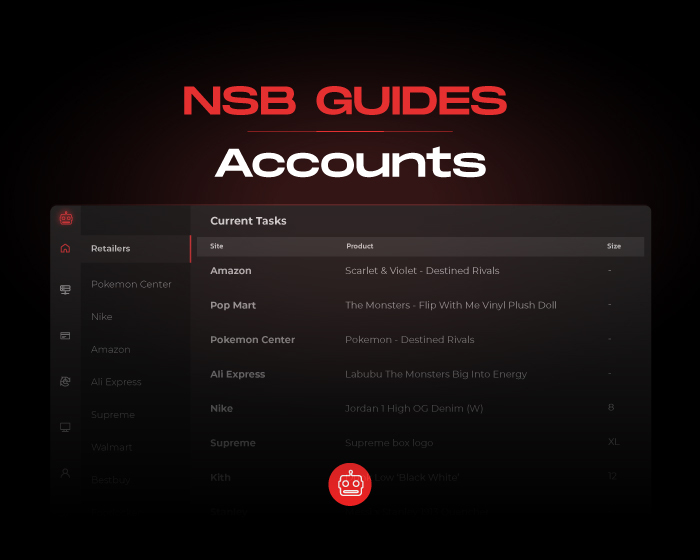
Accounts
Move your mouse over to the Accounts tab on the left-hand menu to open it. There are 11+ types of accounts in this tab…
-
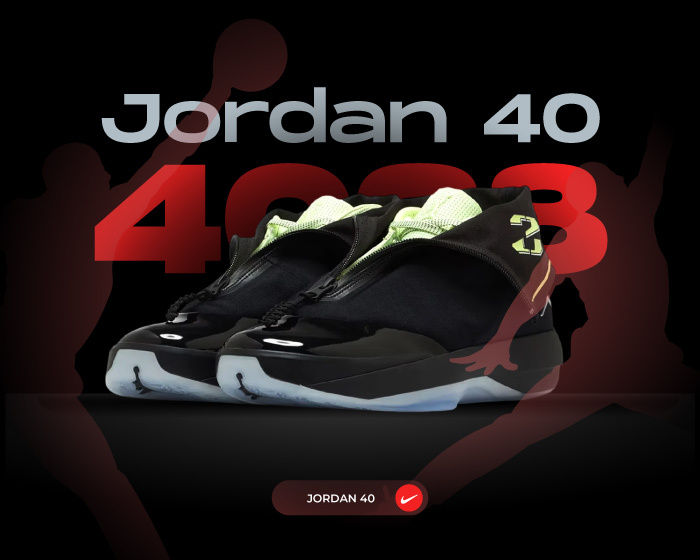
Jordan 4028 Is the Best Hybrid Tribute to the Jordan 28!
The Jordan 4028 is one of the most unique drops in the new Air Jordan 40 lineup. Designed as a hybrid that pays tribute…
-
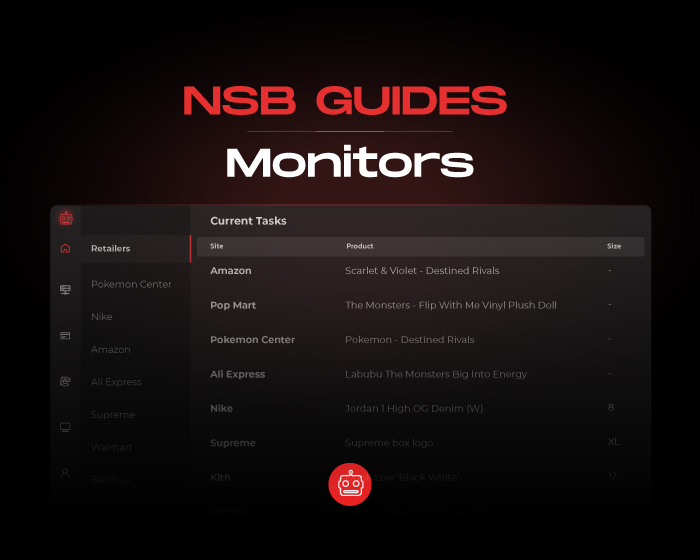
Monitors
The “Monitor” is on the top right of the “Tasks” tab. The in-bot monitor is directly connected to the "MONITORS" category in our Discord…
-
Captchas
Move your mouse over to the Captchas tab on the left-hand menu to open it. Then go to the top right and click on…