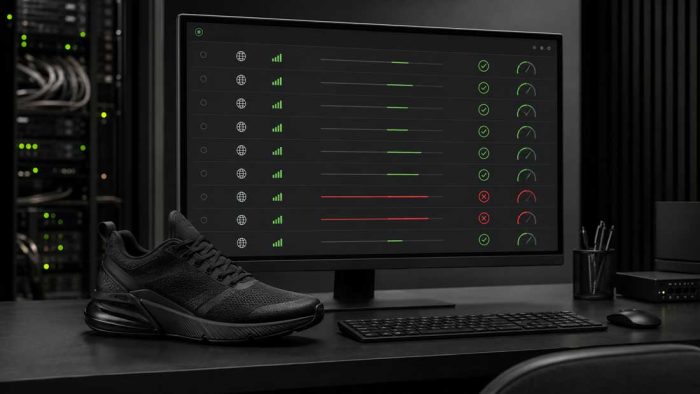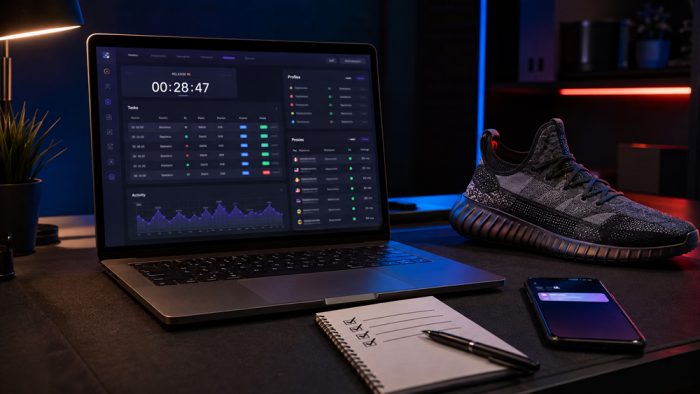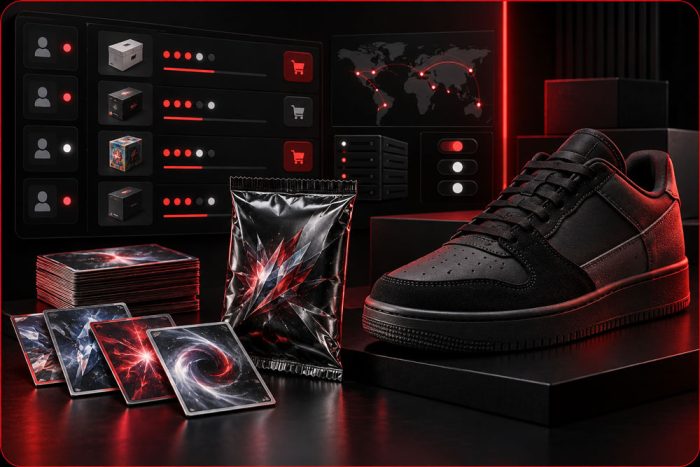
Sneaker bot task dashboard showing monitoring, queue, checkout, payment and error statuses

Sneaker Bot Task Statuses: Troubleshooting Guide

TASK TROUBLESHOOTING A task that has not checked out is not automatically broken. It may be monitoring for a product, waiting for a scheduled release, sitting in a retailer queue, requesting account verification or responding to unavailable stock. The status shown inside the bot is the best place to begin separating normal behavior from a…

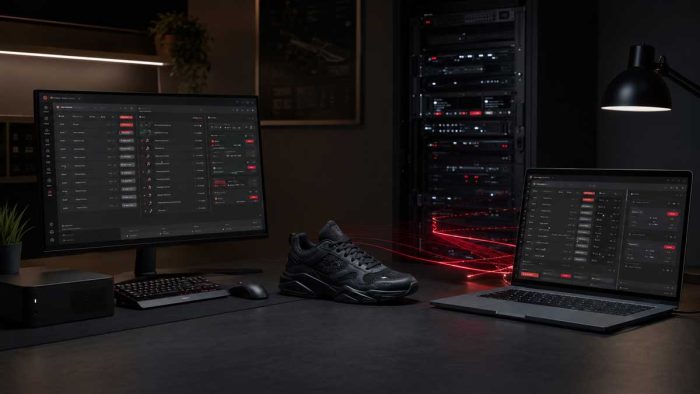
Sneaker proxy testing dashboard showing latency, successful connections and failed proxies before a release

How to Test Sneaker Proxies Before a Drop

PROXY PREPARATION A proxy list can look fine when it is imported and still fail when tasks need it. Expired credentials, incorrect formatting, depleted traffic, an unsuitable location or a connection that works only intermittently can all turn into avoidable problems during a release. Testing sneaker proxies before a drop helps you identify obvious failures…

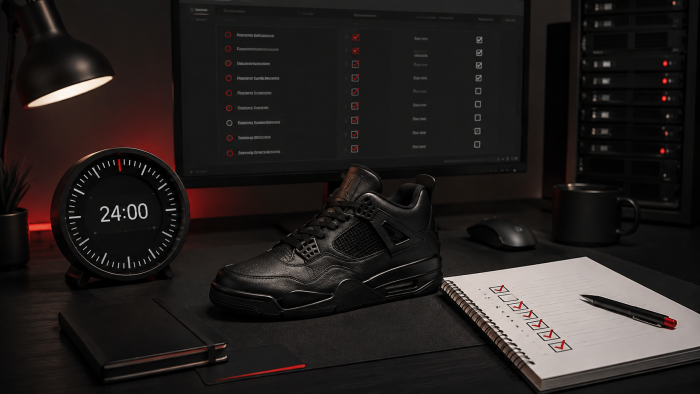
24-hour sneaker drop checklist with release details, accounts, billing, proxies and task preparation

The 24-Hour Sneaker Drop Preparation Checklist

DROP DAY PREPARATION The final 24 hours before a sneaker release should be used to verify your setup, not rebuild it. A clear sequence helps you catch incorrect release details, expired logins, payment issues and failed tasks before they become drop-day problems. This sneaker drop checklist covers the preparation that can be applied across releases…

Sneaker bot setup checklist with laptop, proxies, tasks and release countdown

Sneaker Bot Setup Checklist for Your First Drop

Running a sneaker bot for the first time can feel more complicated than it needs to be. There are accounts to prepare, billing profiles to check, proxies to test and tasks to configure—and every retailer handles releases differently. The most useful approach is to treat your first release as a structured process rather than a…