Rotating vs Sticky Proxy Sessions: What’s the Difference?
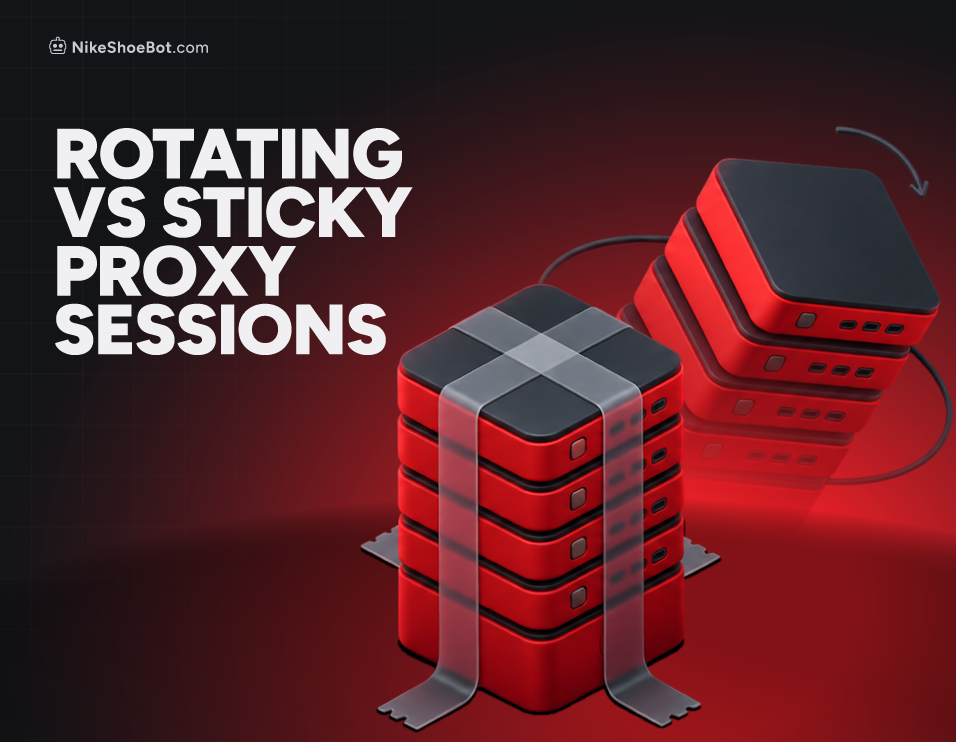
A rotating proxy session changes your IP address automatically, often with every request, while a sticky session keeps the same IP for a set time. Use rotating for lots of independent requests and sticky for anything tied to a login, cart or checkout. Most providers offer both, so the real choice is per task: Oxylabs’ docs, for example, rotate on every request by default and hold a sticky IP for 10 minutes unless you extend it.
This guide to rotating vs sticky proxy sessions is for NikeShoeBot users running shopping tasks, automation or several tasks at once. Pick the wrong session type and you get dropped logins and surprise verification pages, so here is how each one behaves and when we would reach for it.
What Is a Rotating Proxy Session?
A rotating proxy session automatically changes the IP address assigned to your connection. Depending on the provider and configuration, that can happen with every new request, after a set period, or by specific rotation rules. IPRoyal’s docs call its per-request mode Randomize, where every request comes from a different IP.
Imagine you are sending several requests to an online store. With rotation, they may come from different IPs instead of repeatedly using the same one, which spreads traffic out and suits tasks with frequent requests or independent sessions.
What Are the Advantages of Rotating Proxies?
- IP diversity: Traffic is spread across different IP addresses.
- Less reliance on one IP: If one address hits connectivity problems or restrictions, later requests can use another.
- Automated rotation: IP changes happen without manual work.
- Flexible usage: It fits tasks made of multiple independent requests or sessions.
When Do Frequent IP Changes Cause Problems?
Frequent IP changes are not always ideal, though. Some websites tie activity to a session, and switching IPs midway can trigger extra verification (our guide to what a CAPTCHA is covers those checks), interrupt the connection, or make a task lose its session state. Cloudflare’s clearance docs say its clearance cookie is tied to the visitor and device it was issued to, so a changing identity mid-session gives the site a reason to challenge again.
What Is a Sticky Proxy Session?
A sticky proxy session keeps the same IP address assigned to your connection for a specified period. Instead of switching often, your traffic keeps using that address until the session expires, you change it manually, or the provider’s configuration says otherwise.
If you start a shopping task on a sticky session, every later request uses the same IP, which gives the task consistency. That matters most on sites that rely on cookies, login sessions, shopping carts or other session tracking.
What Are the Advantages of Sticky Proxies?
- Connection consistency: Requests keep using the same IP address.
- Session stability: It helps maintain login states and other session-dependent activity.
- Fewer IP changes: There are fewer disruptions from switching addresses during an active task.
- Better continuity: It suits processes that need multiple interactions with the same website.
The main limitation is that you depend on one IP for the length of the session. If it becomes unavailable or hits restrictions, you need a new session on another address.
How Long Do Sticky Sessions Last?
A sticky session lasts as long as the provider allows and your settings request, and the limits differ a lot. The table below comes straight from three providers’ docs.
Sources: Oxylabs, Evomi and IPRoyal. Settings and limits change, so check your own provider’s page.
Here is why it matters, using our own arithmetic. Say a task needs 16 minutes (12 in a queue plus 4 at checkout). A 10-minute session leaves a margin of 10 – 16 = -6 minutes, so the IP changes six minutes before the end, while a 30-minute session leaves 30 – 16 = 14.
Two more details from the docs: Oxylabs warns that the session time does not guarantee requests finish before it expires, and IPRoyal says that by default it silently assigns a replacement if a sticky IP becomes unavailable, with a flag that returns HTTP 410 instead so you can detect the break.
Rotating vs. Sticky Proxies: Key Differences
Both session types do the same general job, but they behave differently enough to suit different situations. The biggest distinction is how your connection is maintained: rotating prioritizes IP diversity, while sticky prioritizes consistency.
In practice, the rows that decide it are session consistency and IP rotation, because a login or cart can break the moment the IP changes.
Which Proxy Session Type Should You Use?
There is no universally better option, because the right choice depends on what you are trying to do and how the site handles connections.
Choose rotating proxies when:
- Your workflow involves numerous independent requests.
- You need access to a larger pool of IP addresses.
- Your tasks do not depend on a continuous session.
- Your provider supports rotation intervals that match your workflow.
Choose sticky proxies when:
- You are performing tasks that need a consistent connection.
- You need to keep website login sessions.
- Your workflow involves multiple interactions with the same website.
- You want to avoid unnecessary IP changes during an active task.
For automated shopping, sticky sessions are especially useful because they keep things consistent across product pages, carts and checkout. The ideal setup still depends on the website, your provider and the task. Our guide to residential, ISP and datacenter proxies covers the IP type side of that choice.
Can You Use Both Rotating and Sticky Proxies?
Yes, and many providers offer both so you can choose per task. IPRoyal lists Sticky and Randomize as its two rotation modes, and Oxylabs rotates by default and switches to sticky when you add session parameters to the username.
Some providers also let you set how long a sticky session lasts before a new IP is assigned, which gives you a middle ground between constant changes and one connection forever. For example, you might use rotating sessions for independent requests and sticky sessions for tasks that need a continuous connection.
Understand the task first, then pick. A rotating session where consistency matters adds complications, while sticky for everything limits the flexibility you may need.
Neither type is better on its own: rotating gives you IP diversity, and sticky gives you a steadier connection. The best choice depends on your workflow, the sites you are hitting, and whether your tasks need frequent IP changes or a stable session.