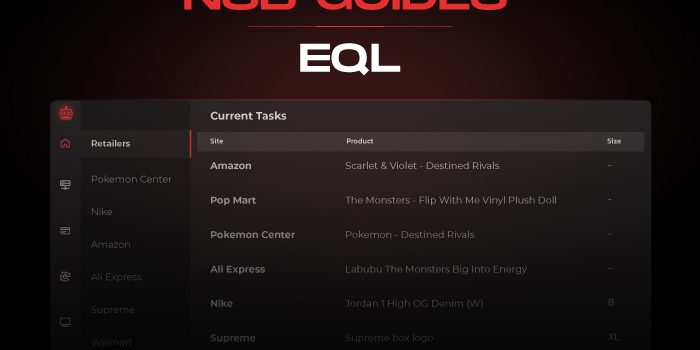
Our bots are 100% up-to-date and ready!

NSB supports EQL releases.
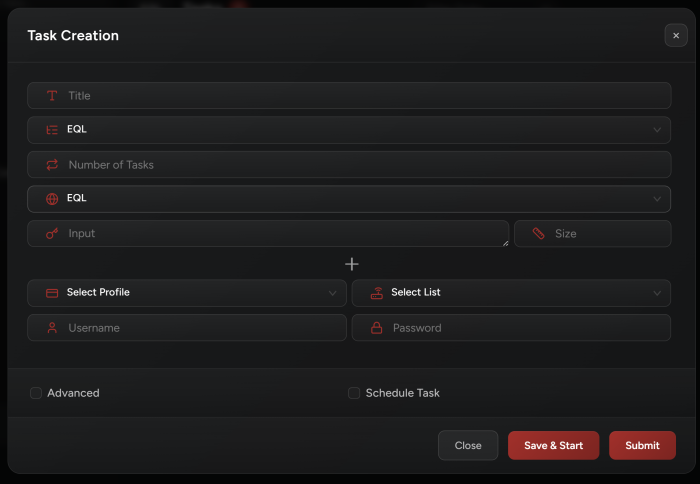
You need to add your accounts for EQL.
Go to NSB Accounts tab.
Create a new group (from top left corner).
Select “EQL” as group type.
Once the group is created, you may add your accounts by inserting emails and passwords.
IMAP is required so NSB can automatically fetch and enter the login verification code.
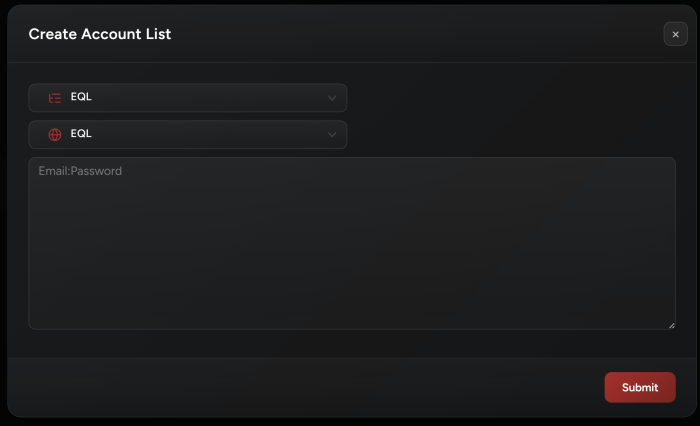
Site:
Select EQL as the site (NSB will know the site based on the item URL).
Input:
Add the item URL as task input.
Accounts:
Tasks require accounts.
Select your accounts by selecting the EQL account group you’ve already created in the Accounts tab.