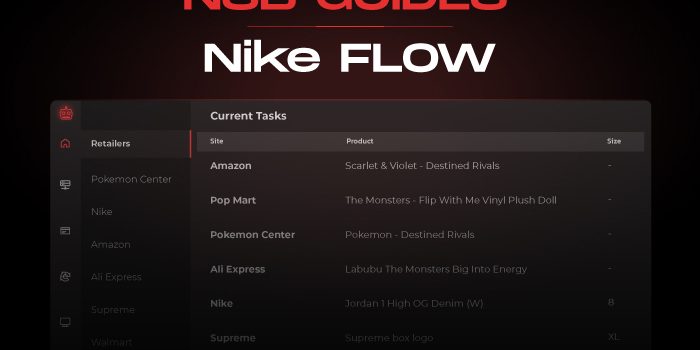
NSB will use Flow mode for FCFS items.
You can’t manually select this mode, NSB will auto select it and will not use your account info.
Task Creation
NikeNL Ideal Payment:

NSB will use Flow mode for FCFS items.
You can’t manually select this mode, NSB will auto select it and will not use your account info.
Billings Tab:
Import your profiles. You can create a Billing group to include all your profiles in.
Proxies Tab:
Create a proxy list for your Nike FLOW tasks.
Tasks Tab:
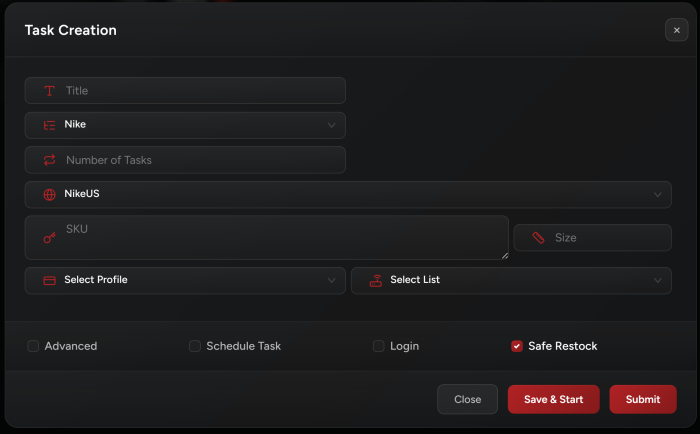
Then go to your Tasks tab to create your Nike FLOW tasks and make sure to enter the sneakers SKU in the Input field.
• For FLOW, make sure that the Login option is unchecked.
• Don’t use multiple SKUs for FLOW tasks.
Select Size:
Enter one or multiple sizes, or keep the size field empty for a random size.
Safe Restock checkbox:
By default this checkbox is unchecked. If you want to protect your proxies, you can check this checkbox.
Why is this an option?
Because it has an advantage and disadvantage:
Advantage: Protect proxy.
Disadvantage: Makes task a bit slower when trying to checkout any restocked size.
Starting Your Task:
Start your tasks 1-2 minutes before the expected restock time.
Copped Tab:
Check your copped sneakers in this tab and share your success!
Note: Items that drop as FLOW but require accounts are not supported in NSB.
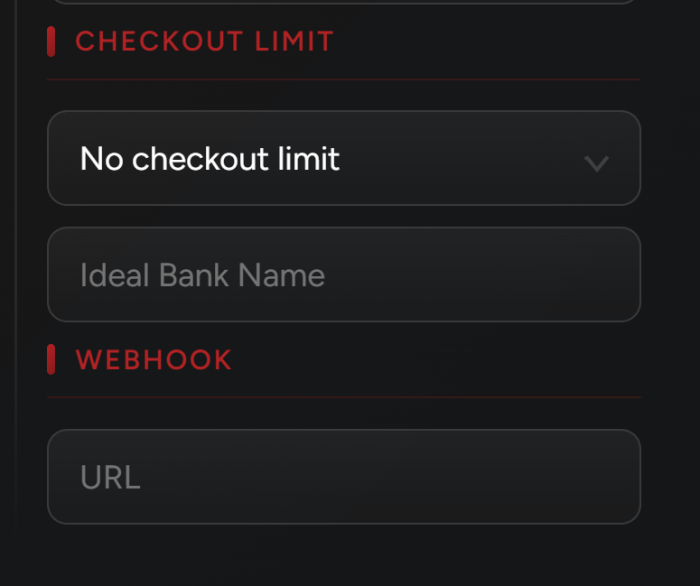
NSB supports “Ideal” payment for NikeNL. If you want to use this payment type, go to your billing profile and add the bank name in “Ideal Bank Name” field.
Once done, when you start a task, NSB will generate a checkout link and send it to your discord webhook (plus it will show it in task logs) so you can manually complete the payment.