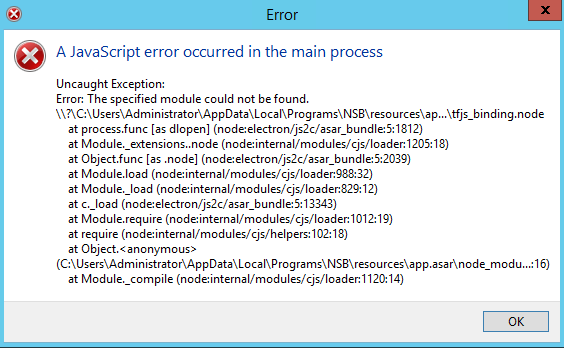
Note: Make sure you turn off your security programs (antivirus and windows defender) before installing to avoid any errors that might come up during installation, due to the security programs.
To override your security settings and open the app anyway:
In the Finder, locate the app you want to open.
Don’t use Launchpad to do this. Launchpad doesn’t allow you to access the shortcut menu.
Control-click the app icon, then choose Open from the shortcut menu.
Click Open.
The app is saved as an exception to your security settings, and you can open it in the future by double-clicking it just as you can any registered app.
Note: You can also grant an exception for a blocked app by clicking the Open Anyway button in the General pane of Security & Privacy preferences. This button is available for about an hour after you try to open the app.
To open this pane, choose Apple menu > System Preferences, click Security & Privacy, then click General.
Steps:
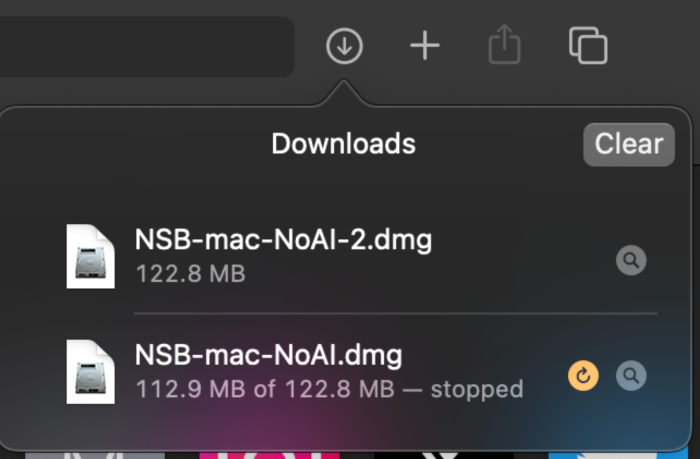
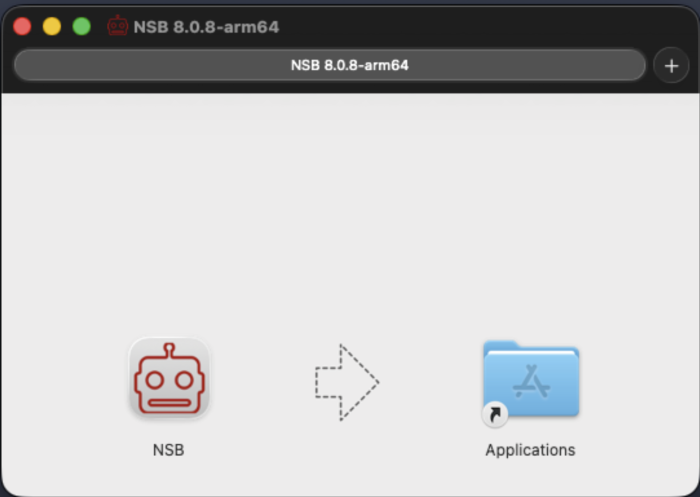
Install and open NSB, and drag NSB to Applications, then click open twice, and the second time will open the bot for you.
3. In case you face an error:
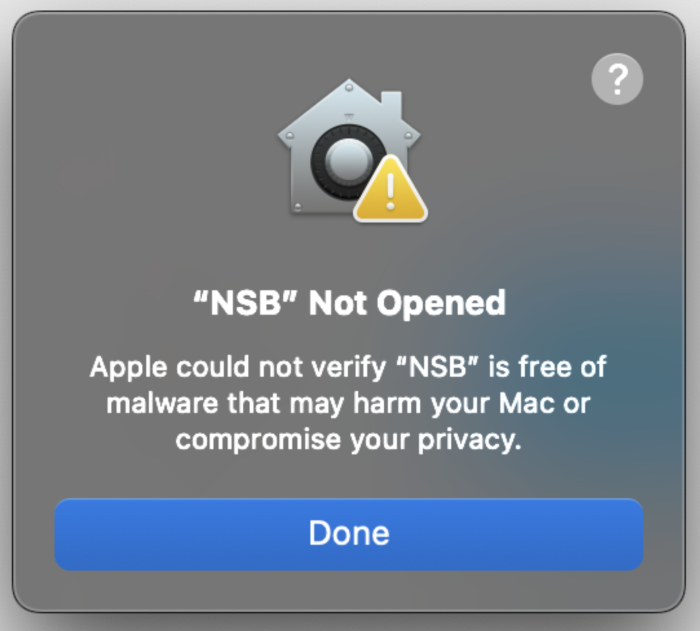
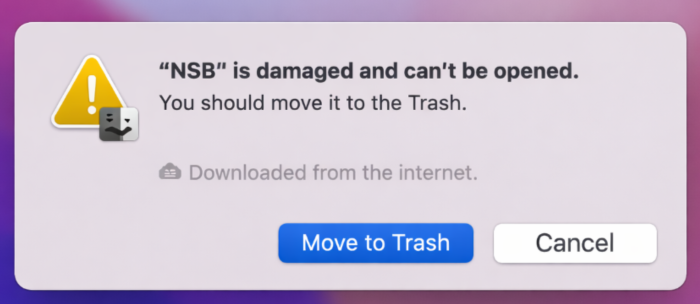
You may face the following error when trying to open NSB on MAC:
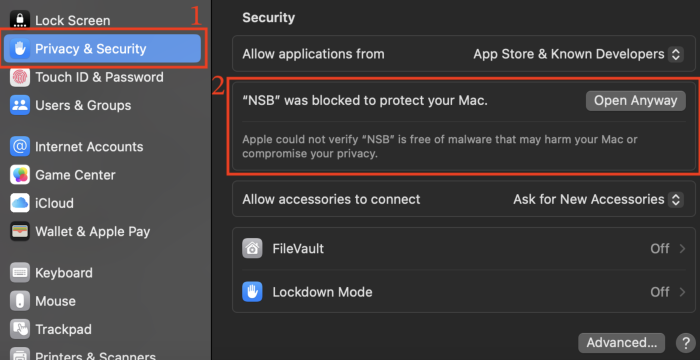
If you face this error, you can:
Go to “Privacy & Security”
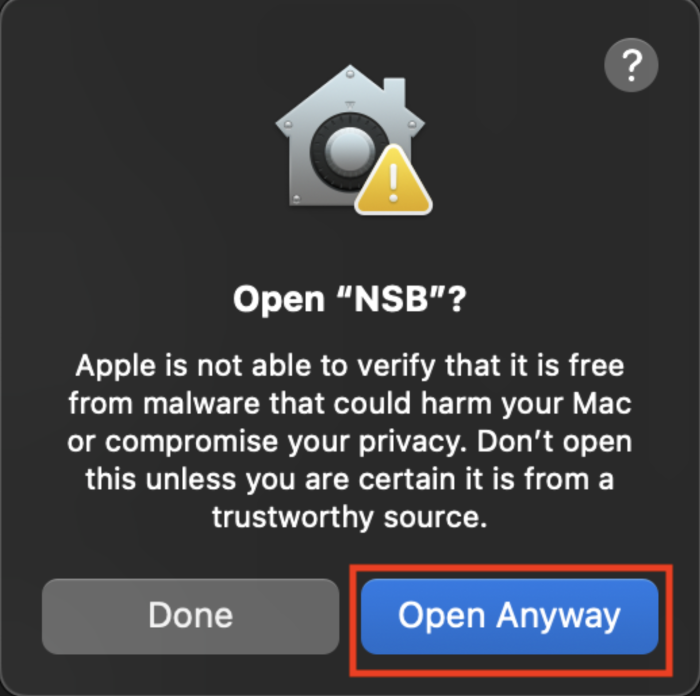
Click “Open Anyway”
Reconfirm
4. In case you face an error running Mac M Chip:
If you face this error, you can:
Open terminal on your Mac
Run this command (adjust path if needed): xattr -rd com.apple.quarantine /Applications/NSB.app
If it failed, try this command: xattr -rd com.apple.quarantine ~/Downloads/NSB.app
or for newer Mac versions this command: sudo xattr -d com.apple.quarantine /Applications/NSB.app
In some cases, it will still fail. Try the following:
Search “NSB” in terminal
Right click on the icon
Click “Show Package Contents”
Double Click on MacOS
Click the icon
Note that if you have a Mac, you may use a Windows server normally in order to install and use the bot with all its features.