NikeShoeBot guide
Installation guide
SYSTEM REQUIREMENTS
Supported Devices
NikeShoeBot installation is supported on all Windows, MAC M Chip, as well as MAC Intel Chip powered devices.
Minimum Specs
-
4 GB RAM
-
2 Core CPU
Recommended Specs
-
6 GB RAM
-
4 Core CPU
Installation may differ if you purchased from our website or from Whop.
PURCHASED FROM OUR WEBSITE
1. Check your email
After purchasing NikeShoeBot, you will receive an email containing your license key, activation token, and the download links.
Including a discord invitation where we post instructions on every hyped release, you will be able to chat with other NikeShoeBot members, and seek one-on-one help from our staff.
2. Join Discord
Click on “Join Discord” to get access to NikeShoeBot discord server and channels.
3. Verify your license key
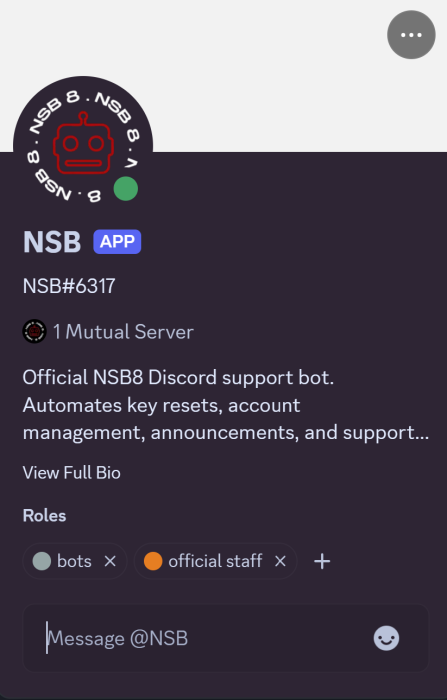
To verify your discord and get access to all our channels, make sure to send your key in a DM to @NSB bot.
PURCHASED FROM WHOP
After purchasing NikeShoeBot, you can find your key and discord access directly on Whop: https://whop.com/nikeshoebot/.
1. Join Discord
Navigate to “Discord Full Access” to claim your discord roles.
2. Find your key
Go to “NSB8” to find your license key and activation token.